
Overview
Morpher Perform FXs is a collection of combinator patches built around the Morpher Rack Extension and Reason 13 stock devices. Designed to be playable instruments rather than “set and forget” effects, they can be performed live or automated for transitions like breakdowns, pre-choruses, and drops. You can also punch in bursts of variation anywhere, from the full mix to single parts like vocals, drums, or synths.
The Refill features a wide range of effects, putting together reverbs, delays, modulation, and distortion into creative combinations. At the heart of the interface is Morpher’s X-Y pad, which enables real-time control by moving the cursor across eight snapshot slots. Each snapshot captures a unique configuration of parameters, designed to produce everything from subtle shifts in tone to dramatic transformations.
Mopher Perform FXs work equally well in the Reason DAW and in the Reason Rack VST inside another DAW.
BUY!Made with performance in mind
The Refill features 100 unique playable patches which can be divided in two categories, “Slide and Morph” and “Punch-In” effects.
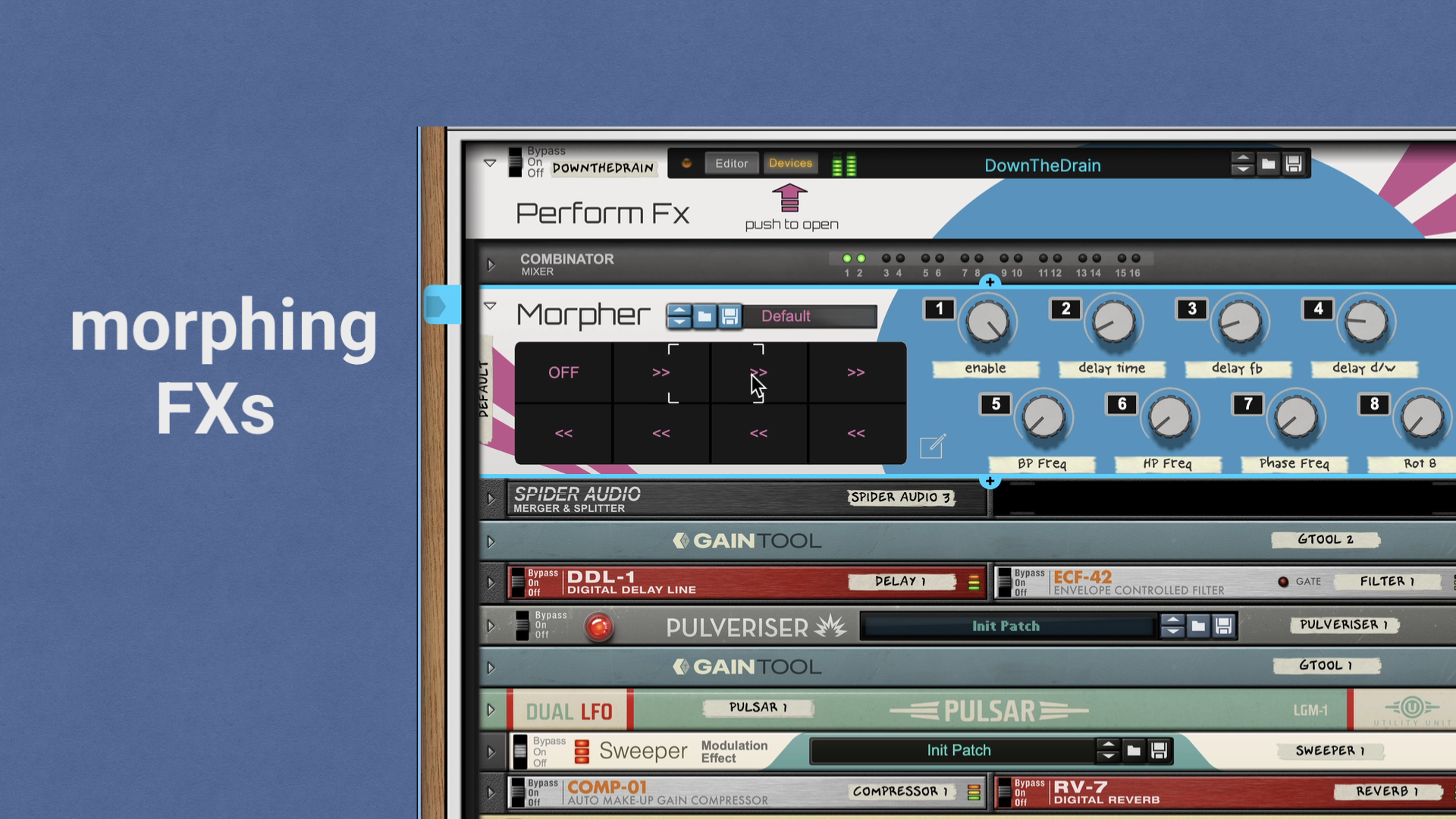
Slide and Morph
Begin at a snapshot where the signal is fully dry. By moving the cursor across the X-Y pad, you engage the effect and morph its parameters. To return to the dry signal, simply move the cursor back to the off position.
This type of effect is ideal for creating smooth, evolving transitions.
Punch-in
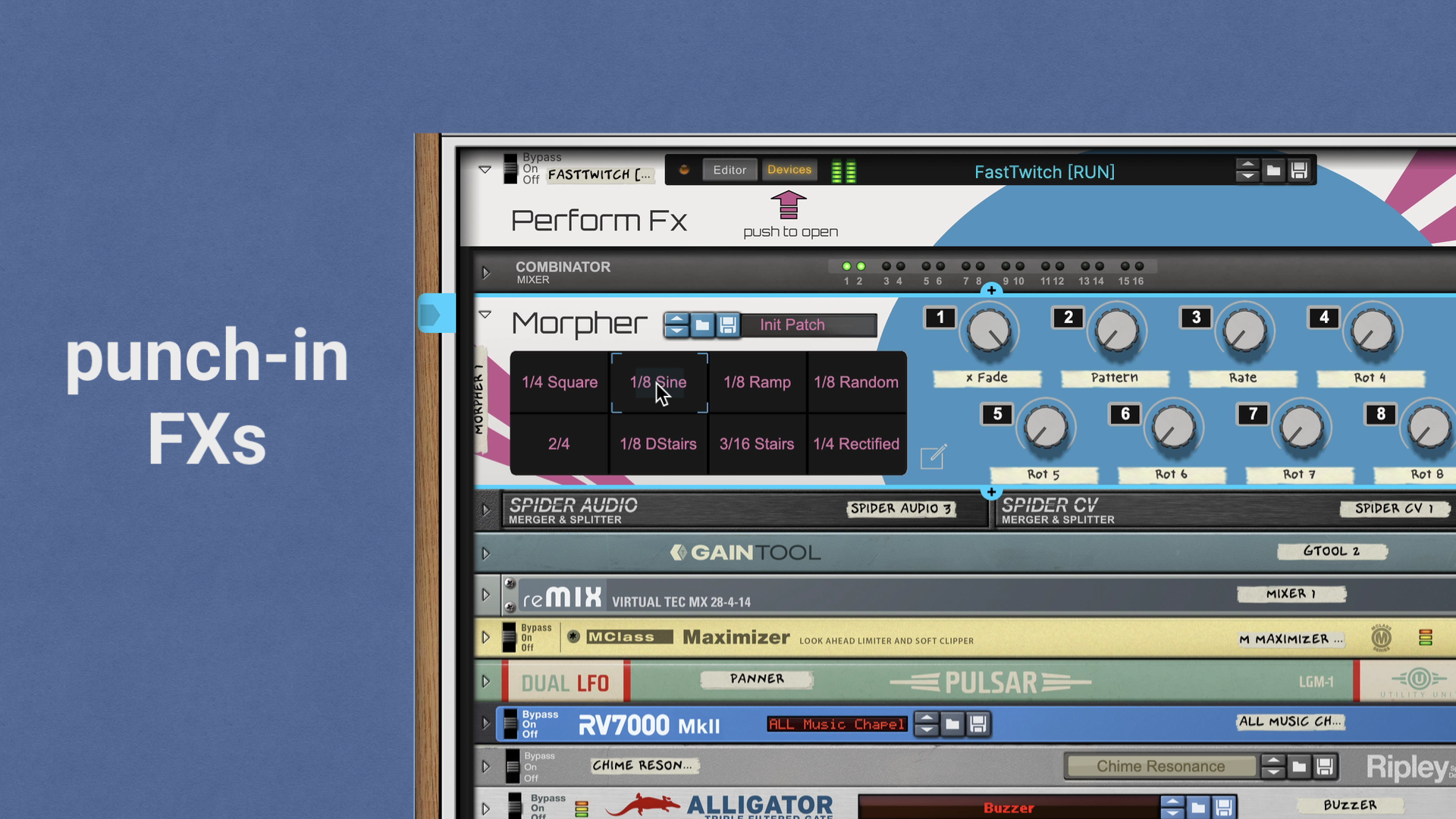
Activate it by clicking inside the cursor area, then optionally move the cursor across the X-Y pad to morph the parameters. Once you release the mouse, the effect disengages and the signal returns to dry.
This style works especially well for quick punch-in moments, letting you add bursts of variation that punctuate repeating sections before snapping right back to the original signal.
Trigger with MIDI, control via Remote
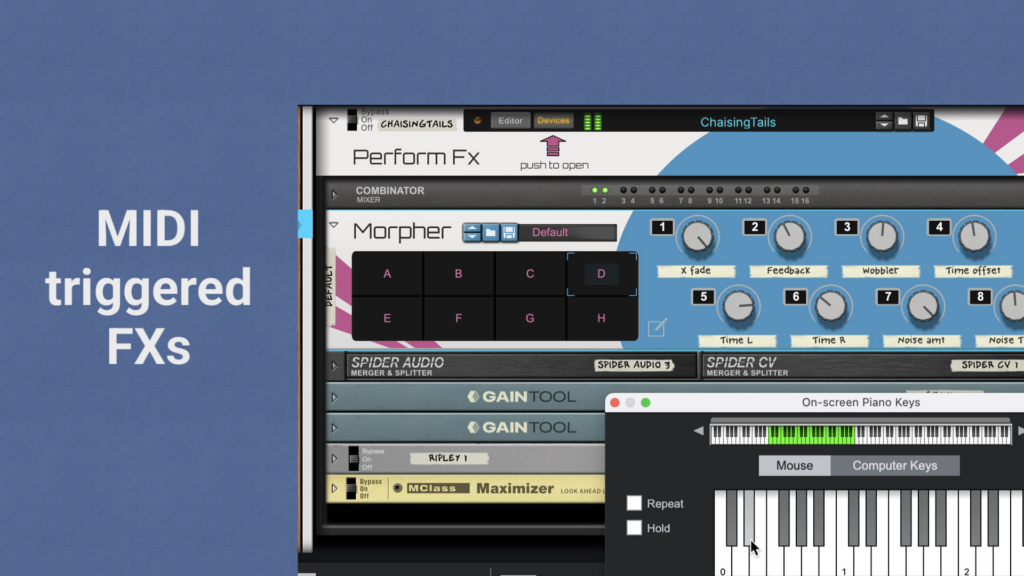
All patches can be triggered via MIDI notes. Use notes C0 to G0 to trigger snapshots A through H respectively.
For more hands on control, the morphing parameters are MIDI mappable or assignable via Reason’s Remote protocol.
The download includes templates for both TouchOSC MK1 and MK2, and Remote files for bi-directional communication with Reason (standalone).

Requirements and Demo
To use this Refill, you’ll need a license for the Morpher Rack Extension (version 1.2.0 and up) from Retouch Control and a Reason 13 (and later) license or R+ subscription from Reason Studios. Additionally, you’ll need the “RV7000 mkII patches” free refill, which is usually installed along with the Reason Factory Soundbanks.
The Morpher Rack Extension contains six Perform FXs demo patches in its sound bank (in addition to those included in the refill). You can find them inside “Reason Library/Rack Extensions/Morpher CV Utility/Perform FXs”. Please make sure the “All Types” tag is selected and there are no other filters active in the Reason browser.
