Overview
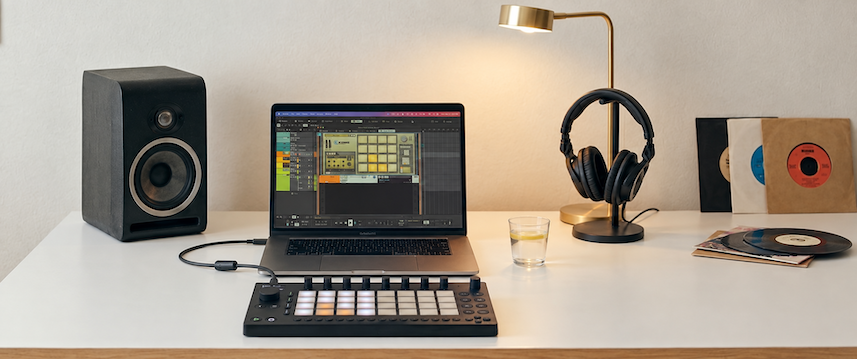
The little device that keeps on giving. Move can now control Reason. And it does so in style, making its bigger brother Push jealous.
Get ready to unleash the power of Reason with MoveR. All the controls you need for the devices, the mixer, the transport. Work the pads, twist the encoders. The liberating feeling of DAW-less with your favorite DAW.
BUY!Summary of MoveR’s features:
- device control including all native instruments, fx’s and hundreds of REs and VSTs mapped to the encoders (see list here)
- mixer control for levels, pans, the entire channel strip and the master section of the SSL mixer
- transport controls, track and patch navigation, song navigation and many useful key shortcut commands
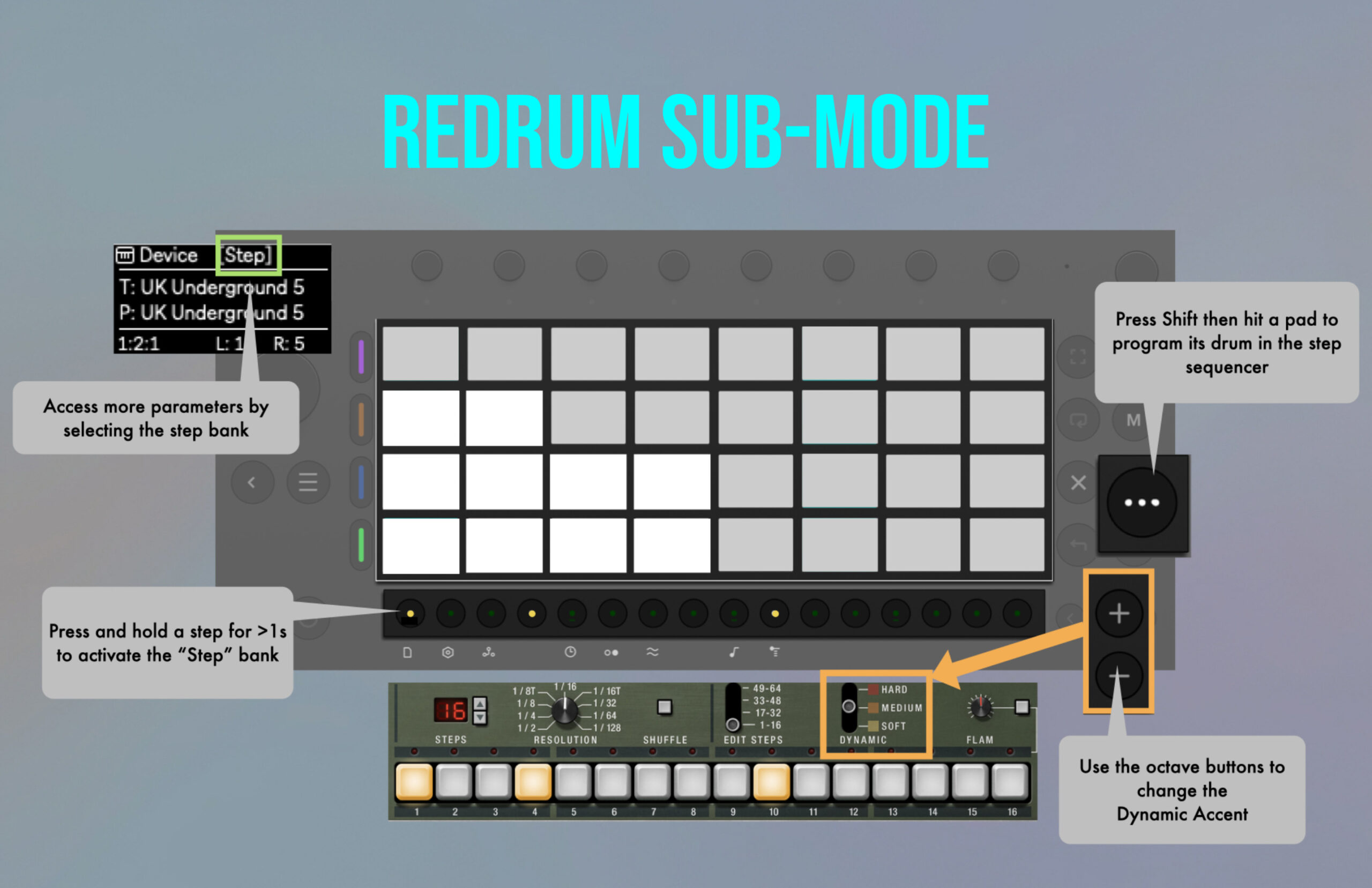
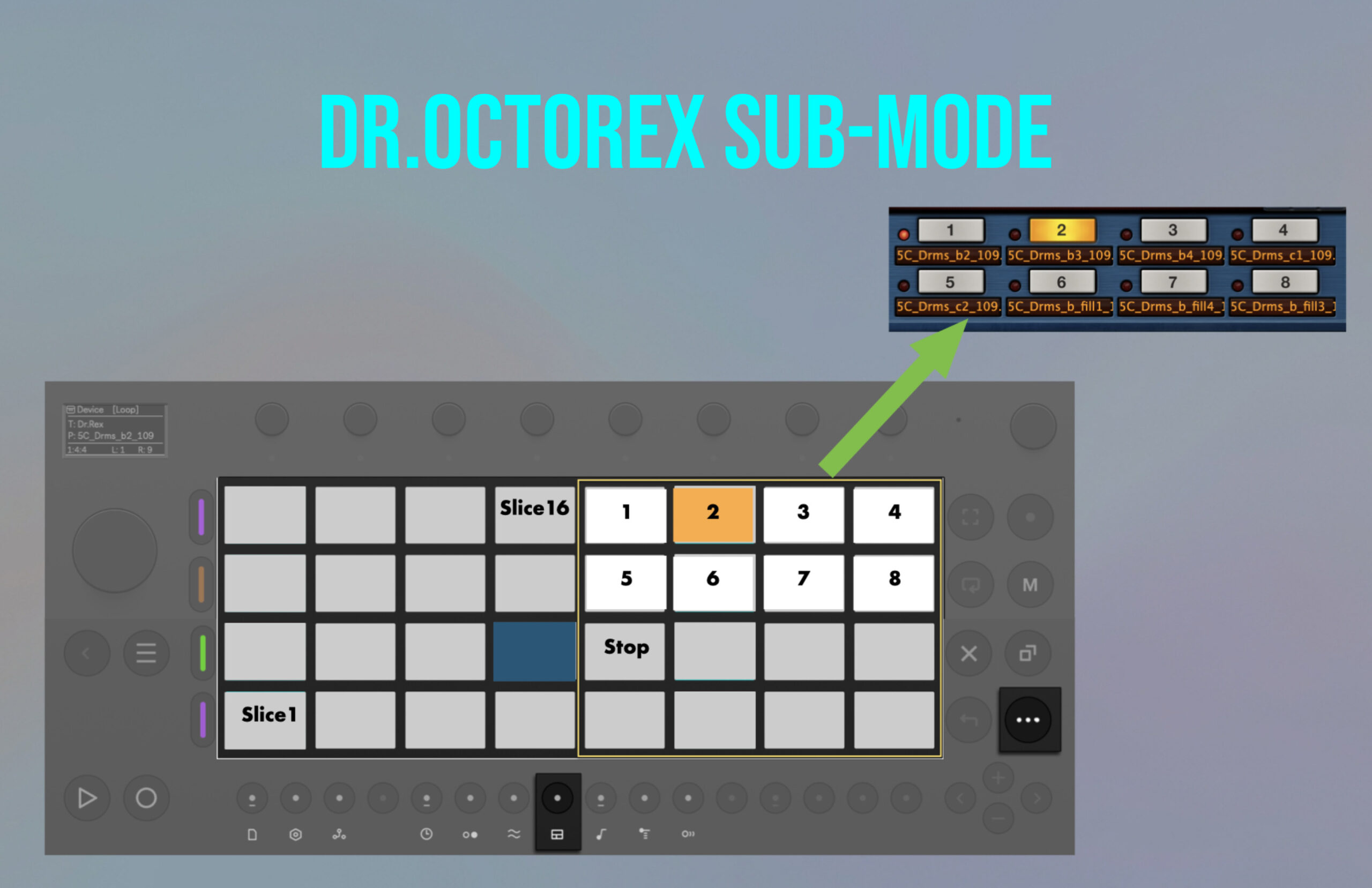
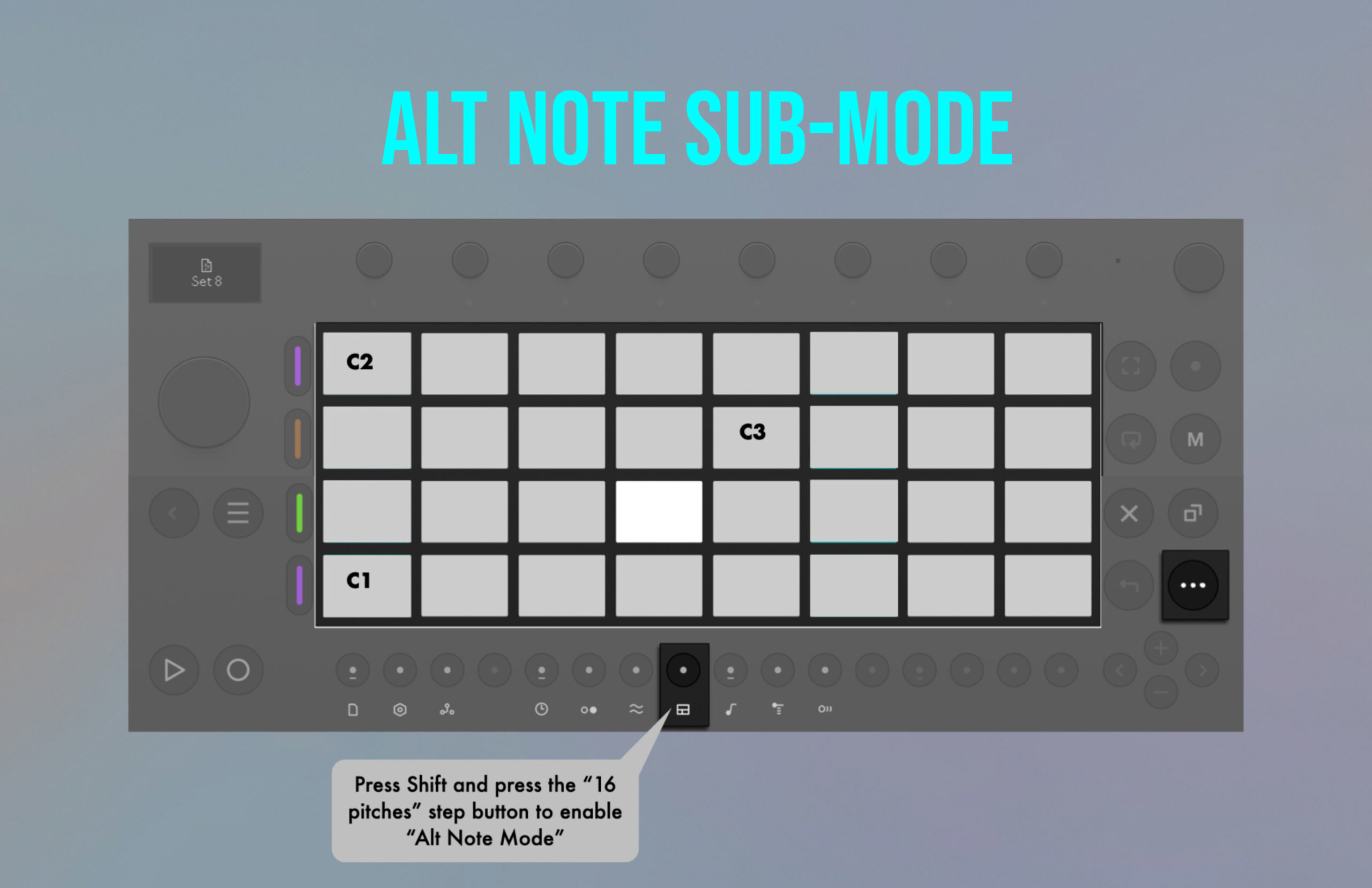
- adaptive pads which change based on the device being controlled with special modes for Kong, Redrum, Dr.OctoRex and an isomorphic keyboard layout for synths and samplers
- programming of the Redrum step sequencer
- freely assignable macros
It starts here
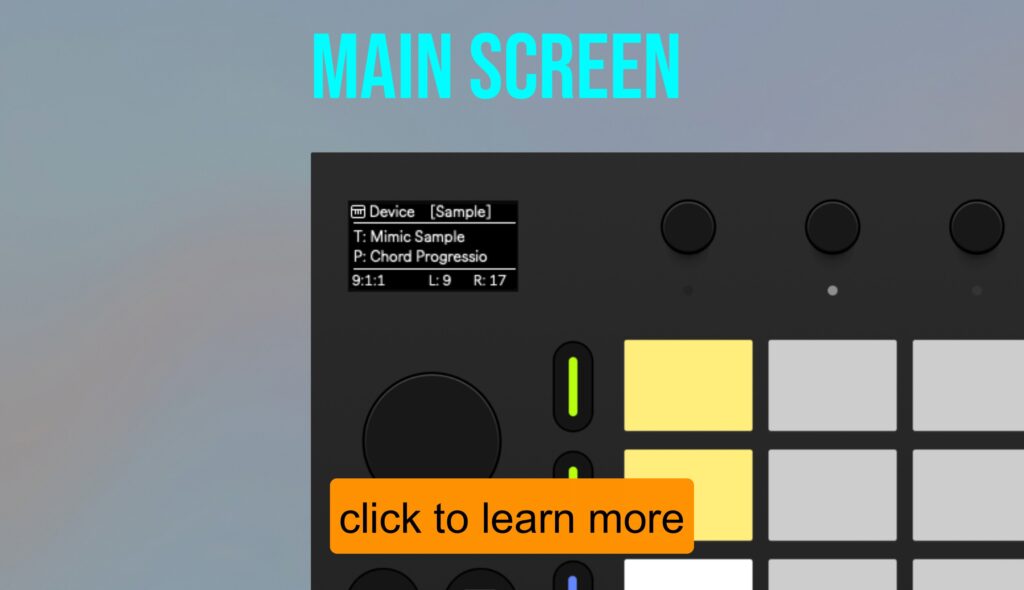
The main screen is the starting point of the control experience with MoveR. Although small, the display provides the essential information at a glance:
- active control mode and bank
- selected device and patch
- the positions of the playhead, the left and the right loop locators
- loop on/off status
Encoder Modes
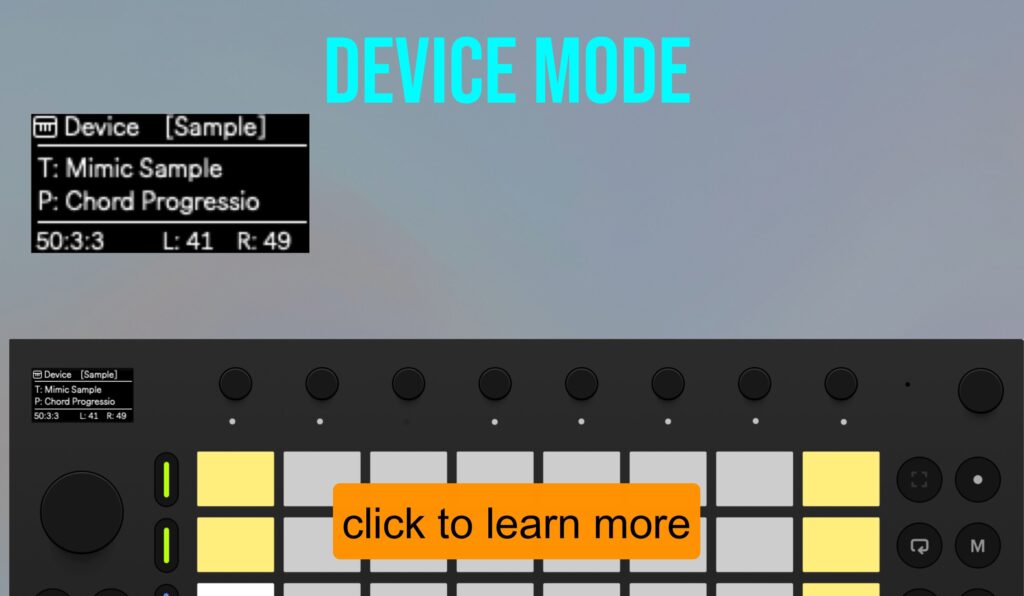
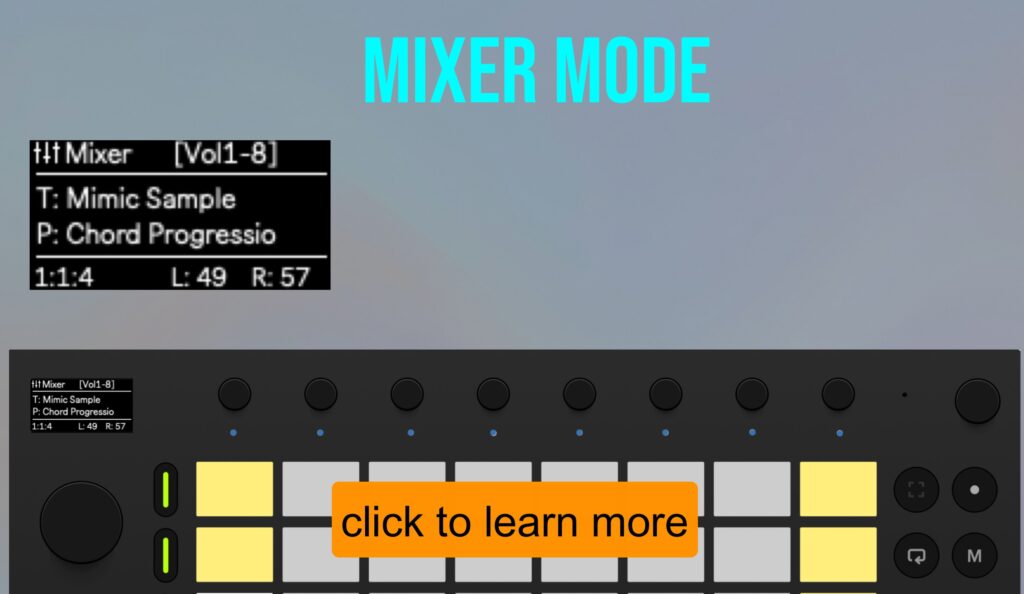
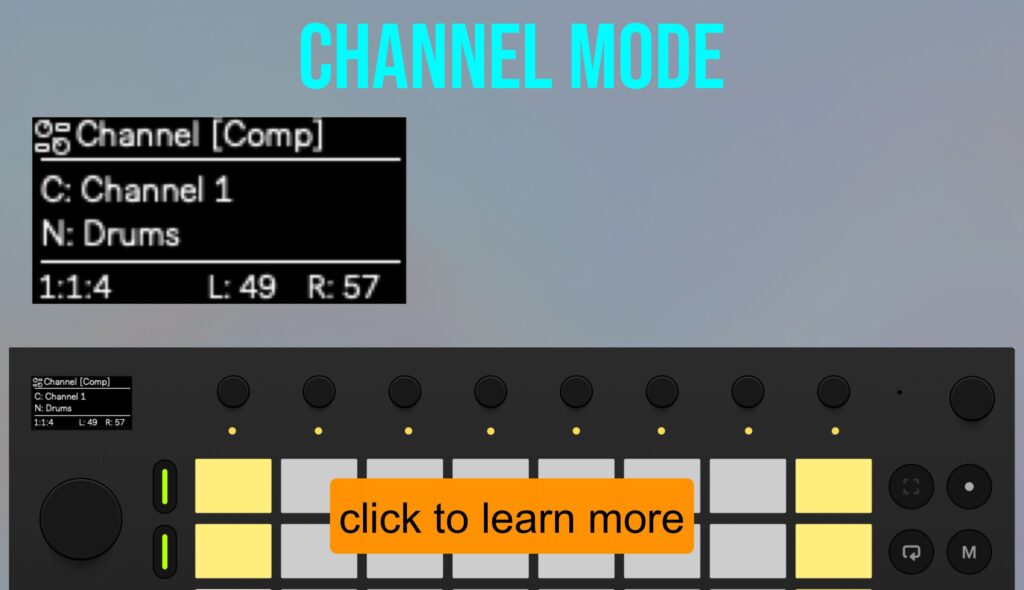
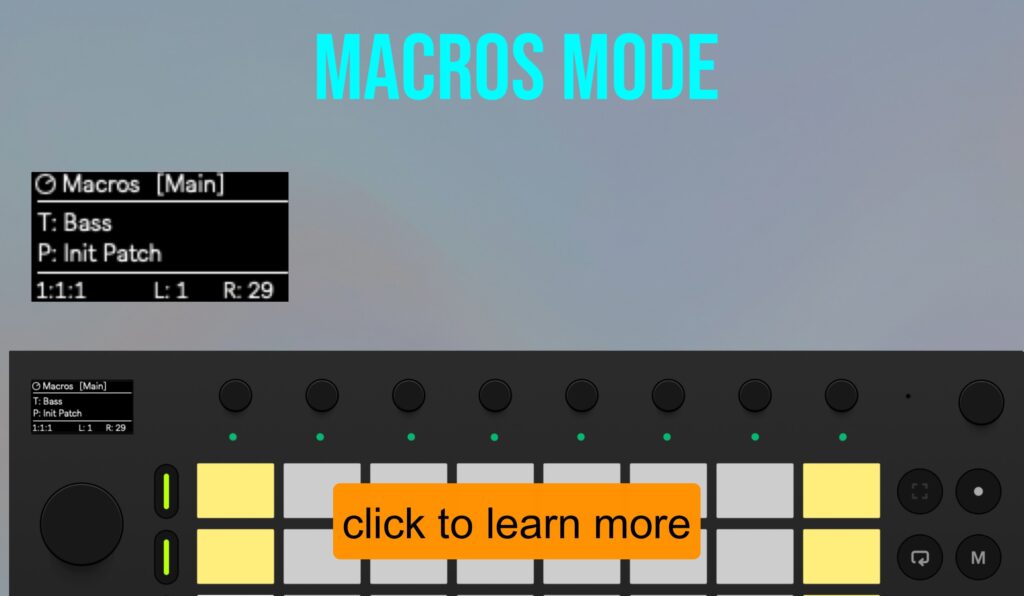
Depending on the mode selected, the encoders control rack devices, the SSL Mixer, or the freely mappable macros.
An encoder overview shows which parameter is assigned to each encoder, making it easy to find the right control to tweak. Touch an encoder for real-time parameter feedback straight from Reason.
Adaptive Pads
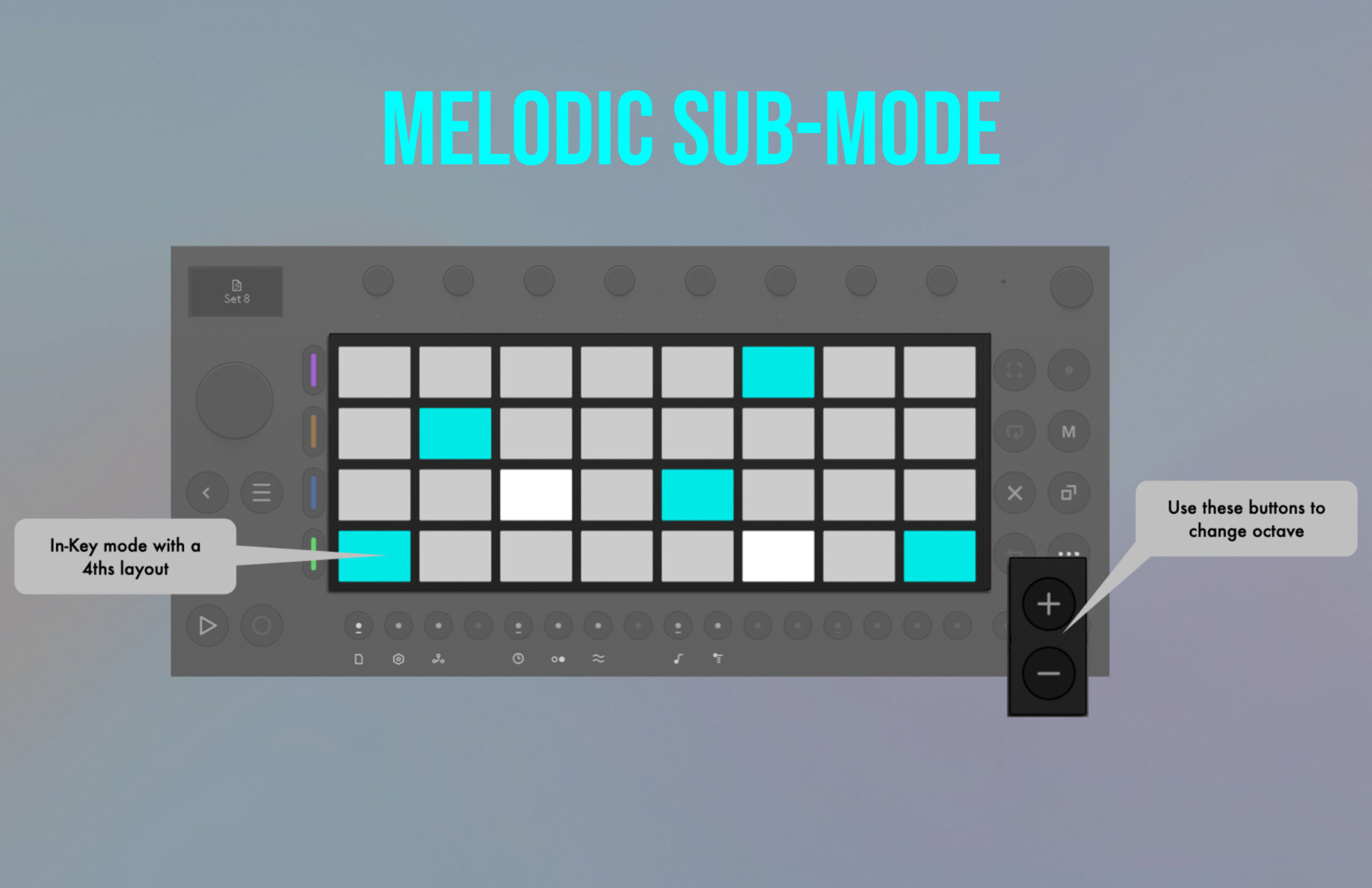
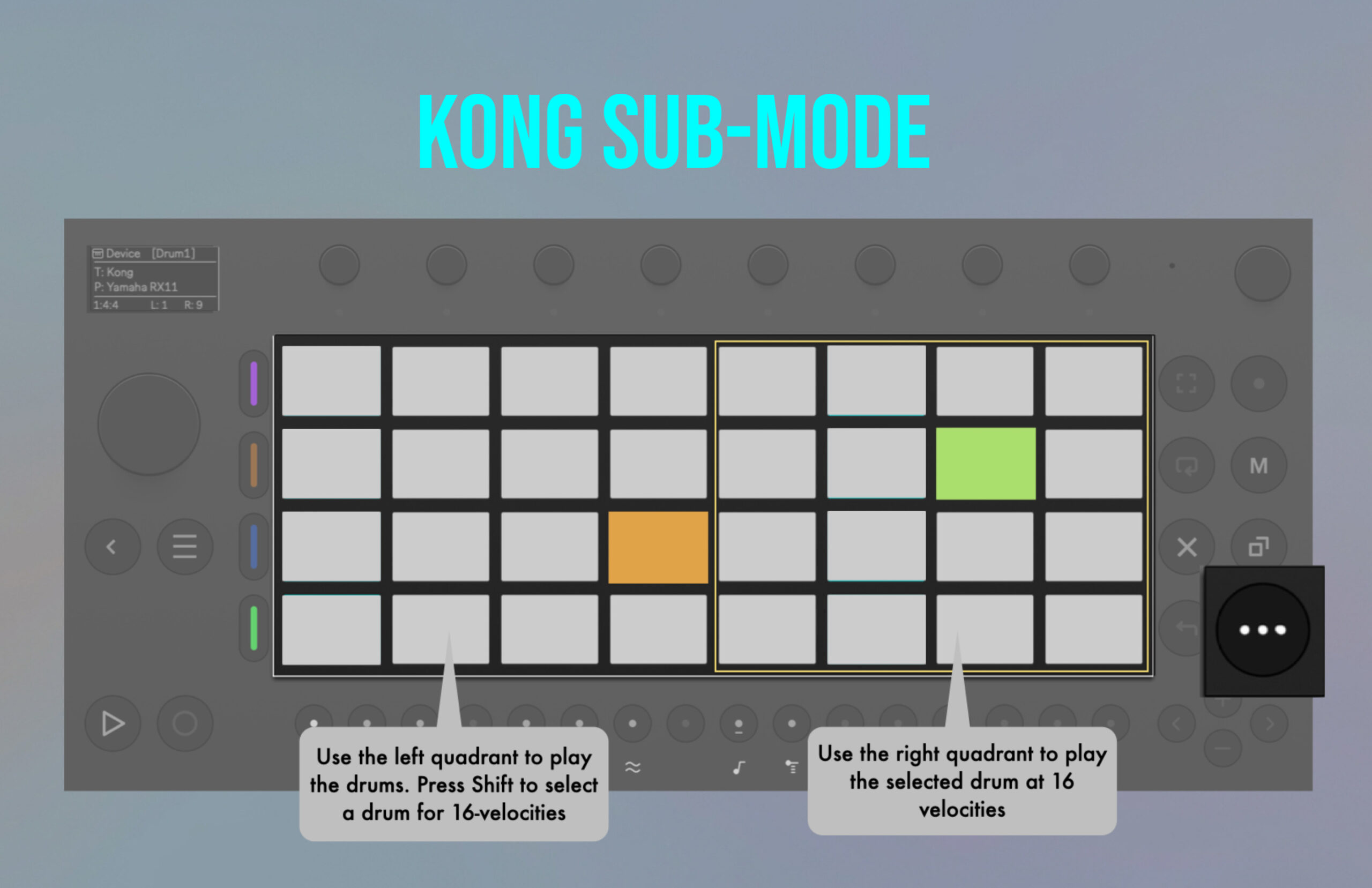
The pad layout will adapt to the selected device in the sequencer.
There are special modes for Kong, Redrum, and Dr.Octorex. If a synth or sampler is selected, the pads will default to an isomorphic keyboard layout which can be configured to play one of 25 selectable scales. This mode copies the Move behavior when used in Ableton Live.
The pads can transmit channel aftertouch if enabled in the settings.
In Redrum mode, you can program the step sequencer using the step buttons on the Move.
Transport and Navigation
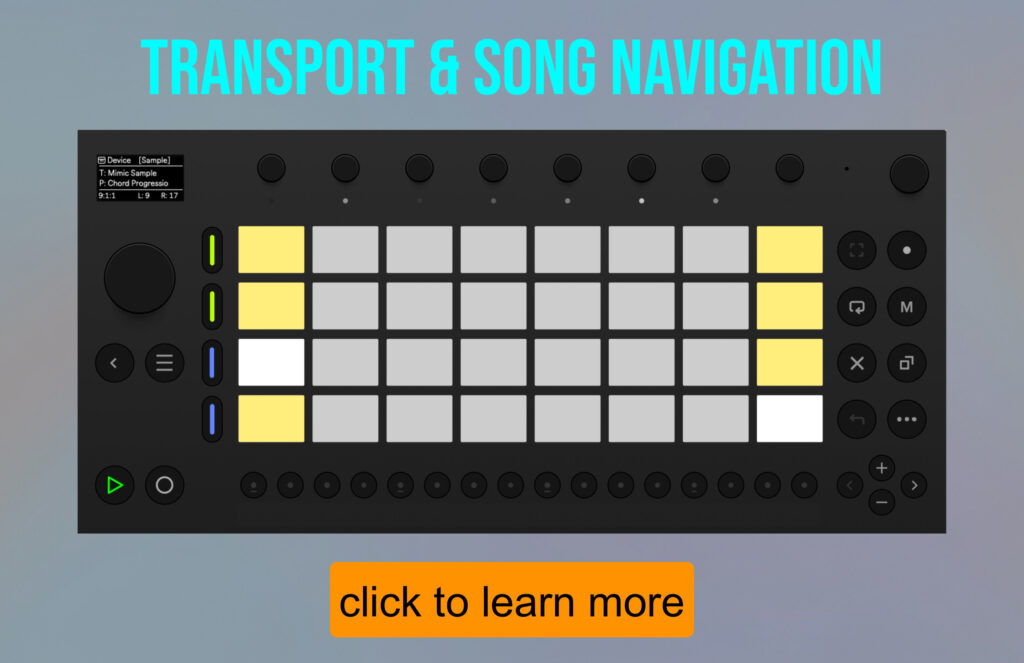
All the transport controls you expect: play, stop, record, forward and rewind.
Enable song navigation for moving around your track using the 16 step buttons. Particularly useful during composition, allowing you to quickly jump between different parts of a song and experiment with alternative arrangements.
Small things, big impact
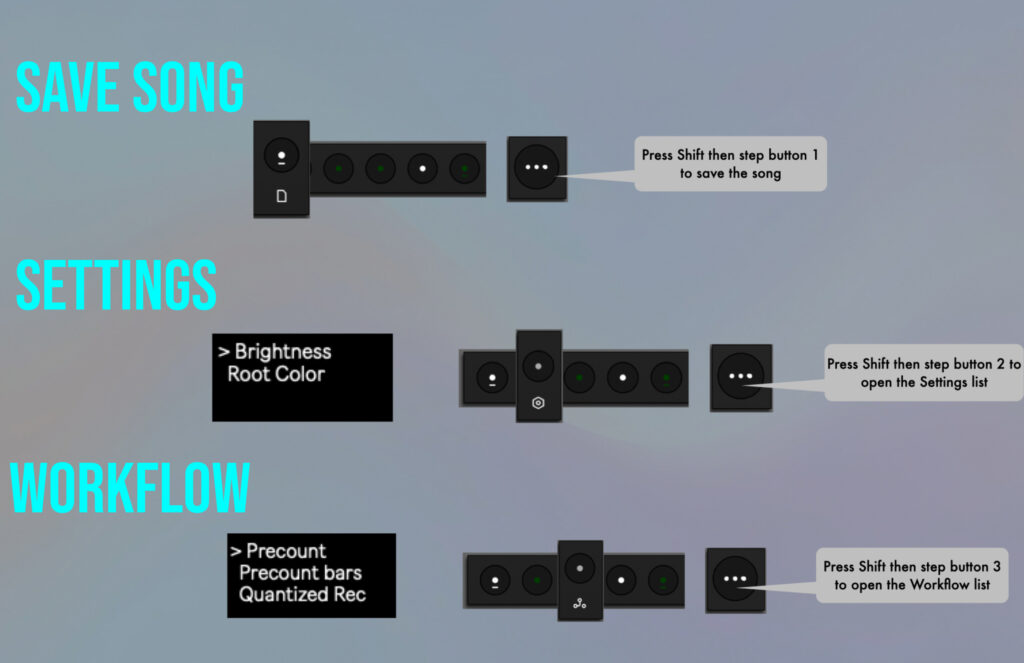
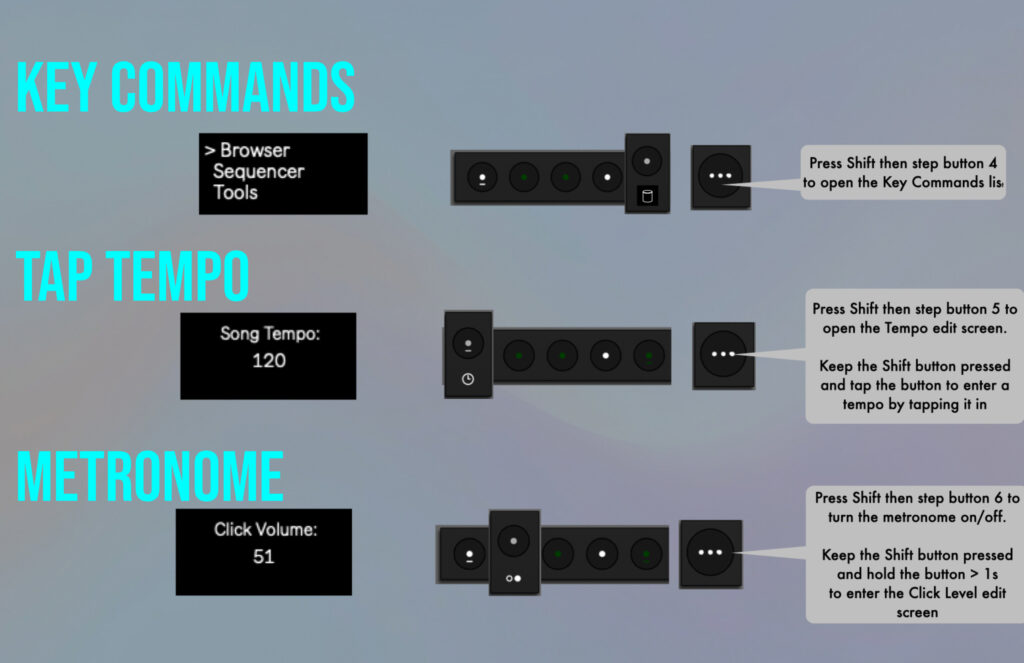
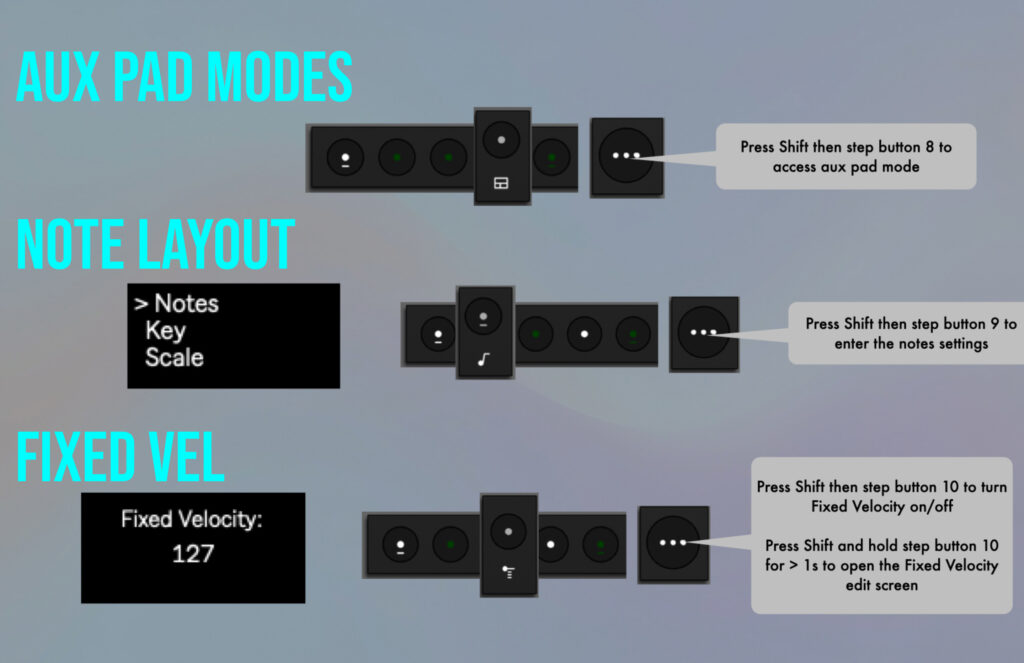
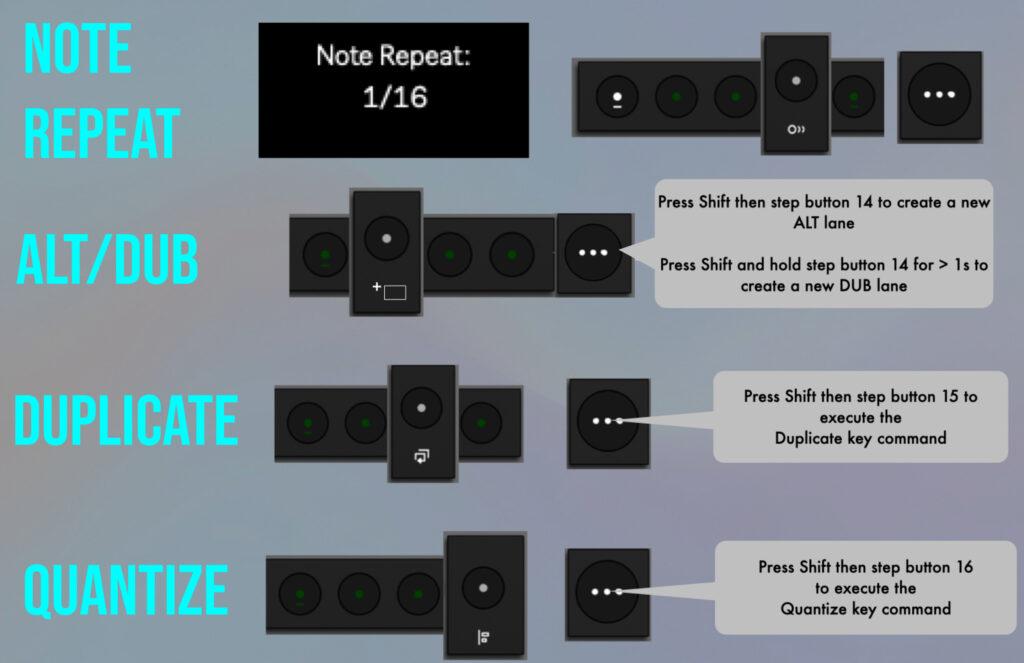
There are many “small” features with a big impact on the workflow. Note repeat, fixed velocity, 16-velocity levels for drums, tap-tempo, metronome with adjustable click level, sampling, auxiliary pad modes, integrated key-commands, and more. Yep, muscle memory is a thing.
Operation Modes
To use MoveR, you don’t need to install any software on your Move. Just connect it to the computer and put it in “Control Live” mode.
Beware, once you launch MoveR, it will take control of the Move and you won’t be able to control Live at the same time. Quit MoveR if you want to control Live.
Please note, MoveR only works with Reason used as a DAW. It does NOT work if Reason is used as a plugin inside another host.
BUY!Requirements
General:
- Reason 9 or later, compatible with Reason 14 in standalone mode only. MoveR does NOT work with the Reason Rack plugin
Mac:
- MacOS X 10.11.6 or later
- Please create virtual ports using the IAC bus. For more details, see the installation video tutorials.
Windows:
- Windows 7 or later
- Please install loopMIDI by following this video tutorial. Some important information about loopMIDI and Windows 11 HERE
User Manual

Installation Tutorials